Best Tools for Outbound Sales Stack in 2026 (Real Costs)
See the best tools for outbound sales stack in 2026—data, email, CRM, and deliverability—plus real costs, picks, and stack templates. Compare now.
TL;DR
A modern outbound sales stack has four layers: prospecting data, email/LinkedIn execution, CRM, and deliverability infrastructure. The best tools for an outbound sales stack in 2026 include Apollo.io for budget-friendly prospecting, Instantly.ai for high-volume cold email, Lemlist for multichannel outreach, Clay for advanced enrichment, and HubSpot CRM for pipeline tracking. But headline pricing is misleading: a realistic DIY stack costs $500 to $1,500 per month once you add credits, domains, verification, and add-ons. For teams that want to skip the tool sprawl entirely, working with a founder-led outbound operator is often the faster path to pipeline.
Quick Answer: What Is the Best Outbound Sales Stack in 2026?
A modern outbound sales stack in 2026 is made up of four core layers: prospecting data tools, cold email/LinkedIn sequencing tools, CRM systems, and deliverability infrastructure. The best-performing stacks combine Apollo.io for lead data, Instantly.ai or Smartlead for cold email sending, Clay for enrichment, and HubSpot for CRM. However, real-world costs typically range from $500 to $1,500 per month once credits, domains, and deliverability tools are included.
Most teams fail not because of bad tools, but because of poor data quality, weak deliverability setup, and overcomplicated integrations.
The Outbound Stack Problem Nobody Talks About
Every article about outbound sales tools makes it sound simple. Pick a prospecting tool, grab a sequencer, connect a CRM, and watch the meetings roll in. Reality is different.
Most B2B teams spend more time configuring, integrating, and troubleshooting their tools than actually selling. A practitioner on Reddit’s r/SaaS thread (which currently ranks #1 for this topic) captured the frustration: complaints about tools randomly disconnecting inboxes, campaigns not saving, and deliverability swinging wildly from week to week. The thread resonated enough to outrank every polished vendor blog on the internet.
The problem isn’t a lack of options. It’s that 84% of reps missed quota last year, and reps spend 68% of their time on non-selling activities. Picking the wrong tools, layering them badly, and bleeding budget on unused features is common. This guide breaks down the best tools for your outbound sales stack by function, shows what they actually cost (not the marketing price), and gives you stack recommendations based on your team size and budget.
If you’re new to outbound, start with our cold outreach guide for foundational strategy before choosing tools.
What Is an Outbound Sales Stack?
An outbound sales stack is the set of tools that work together to find prospects, reach them, track conversations, and make sure your emails actually land in inboxes. Think of it as four layers:
Layer 1: Prospecting and Lead Data. Tools that help you find the right people, get their contact information, and enrich that data with useful context.
Layer 2: Cold Email and Sequencing. Tools that send your outreach, manage follow-up sequences, and handle inbox rotation across multiple sending accounts.
Layer 3: CRM and Pipeline Management. Where you track replies, manage deals, and measure what’s working.
Layer 4: Deliverability and Infrastructure. Domain authentication, email warming, bounce monitoring, and sender reputation management. This is the layer most guides skip, and it’s the one that determines whether your emails get read or land in spam.
Each layer requires different tools, and most tools only cover one or two layers well. That’s why assembling the best outbound sales stack means understanding where each tool fits and where the gaps are.
How an Outbound Sales Stack Works (System View)
An outbound sales stack functions as a connected system:
Prospecting Layer → Finds leads (Apollo, Sales Navigator)
Enrichment Layer → Enhances data (Clay, Apollo enrichment)
Execution Layer → Sends outreach (Instantly, Smartlead, Lemlist)
CRM Layer → Tracks pipeline (HubSpot, Salesforce)
Deliverability Layer → Protects inbox placement (domains, warmup tools)
Each layer depends on the one before it—weak data or poor deliverability breaks the entire system.
How to Choose the Right Outbound Sales Stack (Decision Framework)
Choosing the best outbound sales stack depends on three factors: team size, monthly outbound volume, and channel strategy.
1. Team Size
Solo founders → need all-in-one tools (Apollo, Instantly)
Small teams (1–5) → prioritize simplicity and cost control
Growth teams (5–20) → need separation of data, sending, and CRM layers
2. Monthly Outbound Volume
Low volume (<1,000 emails/month): Apollo + HubSpot is enough
Medium volume (1,000–10,000 emails/month): Instantly or Smartlead + enrichment tool
High volume (10,000+ emails/month): Requires Clay + dedicated deliverability setup
3. Channel Strategy
Email-only → Instantly / Smartlead
Multichannel (email + LinkedIn) → Lemlist or Clay-based stack
Enterprise ABM → Sales Navigator + Clay + HubSpot/Salesforce
Quick Comparison Table: Best Outbound Sales Stack Tools for 2026
| Tool | Category | Starting Price | Best For | Key Limitation | G2 Rating |
|---|---|---|---|---|---|
| Apollo.io | Data + Sequencing | $49/user/mo | Solo founders, small teams wanting all-in-one | Credit system creates cost anxiety, 65-70% data accuracy | 4.7/5 |
| LinkedIn Sales Navigator | Prospecting/Research | $99/mo (annual) | LinkedIn-first account-based selling | No email or phone data included | N/A |
| Clay | Data Enrichment | $185/mo | RevOps teams building enrichment waterfalls | Steep learning curve, no sending capability | 4.8/5 |
| Instantly.ai | Cold Email Sending | $37/mo (annual) | High-volume email-only outreach | No built-in dialer or LinkedIn automation | 4.8/5 |
| Smartlead | Cold Email Sending | $39/mo | Agencies managing multiple client campaigns | Email only, no multichannel | 4.5/5 |
| Lemlist | Multichannel Outreach | $63/user/mo (annual) | Email + LinkedIn in one workflow | Per-seat pricing scales fast | 4.4/5 |
| HubSpot CRM | Pipeline Management | Free / $20/seat/mo | Startups needing a free CRM foundation | Limited automation on free tier | 4.4/5 |
Layer 1: Prospecting and Lead Data Tools
Good outbound starts with good data. As one practitioner noted in Prospeo’s outbound tools guide: “Most teams over-invest in sequencing and under-invest in data quality. They’ll spend $97/month on a sending tool and $0 verifying the list they’re sending to. Two weeks later, their domain reputation is in the gutter.”
Get the data layer right first. For a deeper look at this category, see our breakdown of best lead prospecting tools.
1. Apollo.io
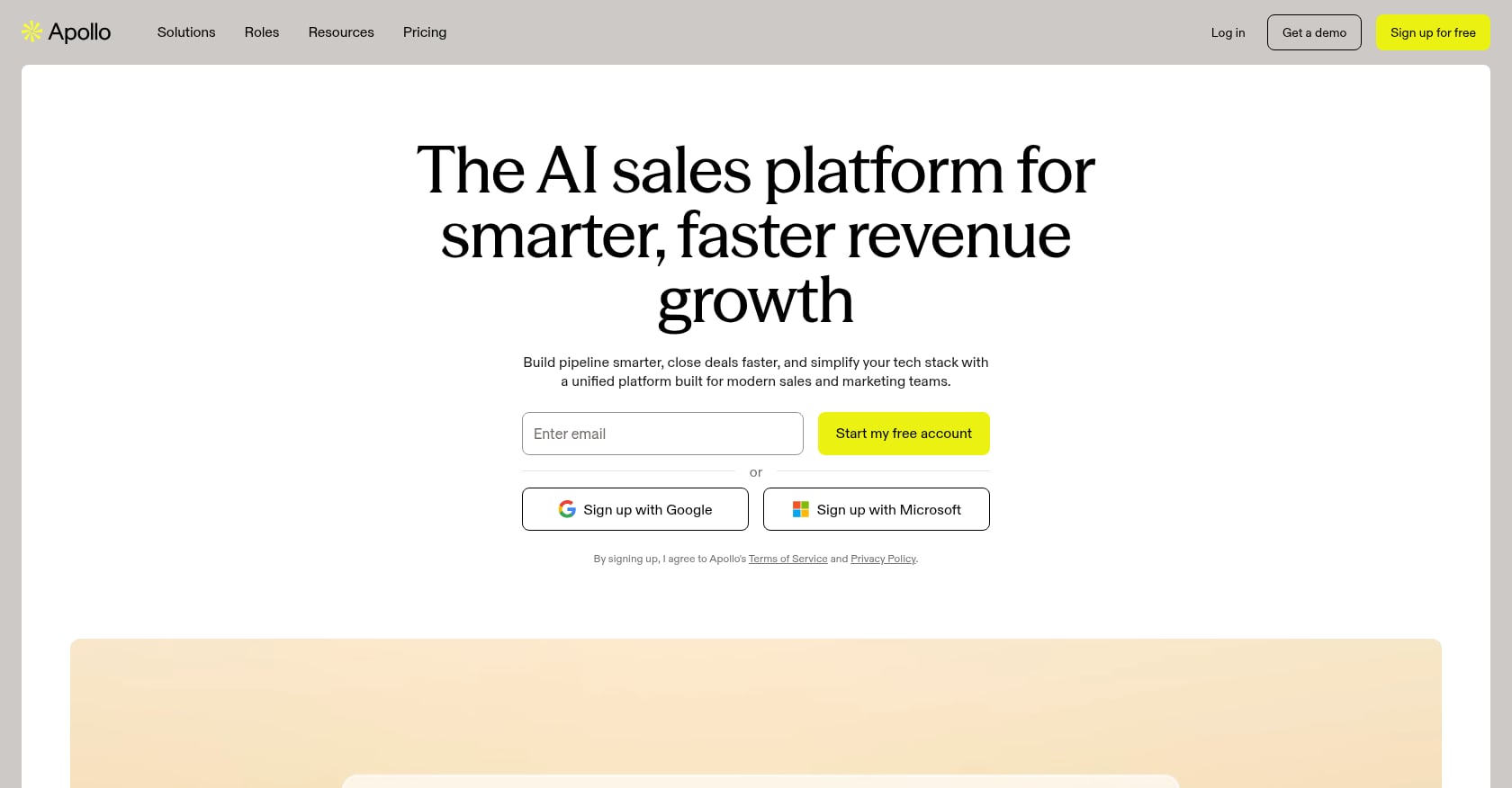
Best for: Solo founders and small teams (5-20 reps) wanting prospecting and sequencing in one platform.
Pricing: Free tier available. Paid plans run $49/user/month (Basic), $79/user/month (Professional), and $119/user/month (Organization).
Key features:
275M+ contacts across 73M+ companies
Built-in email sequencing and dialer
Intent data and job change alerts on higher tiers
Chrome extension for LinkedIn prospecting
Tradeoffs and limitations:
Apollo’s pricing is credit-driven, not just subscription-based. Credit overages, per-seat charges, and add-ons can push real costs to 2-3x the advertised price.
Credits don’t roll over. SDRs start rationing credits mid-month, which defeats the purpose of having a prospecting tool.
Real-world data accuracy hovers around 65-70% according to user reviews on G2 and Trustpilot, with email bounce rates of 15-25%.
User perspective: Apollo carries a 4.7/5 on G2 across 9,400+ reviews, which is impressive. But the credit anxiety is a recurring complaint. Teams with predictable monthly prospecting volumes get the most value. If your usage spikes month to month, you’ll feel the pinch.
Skip if: You need phone-verified mobile numbers consistently, or your team size makes per-seat pricing prohibitive.
2. LinkedIn Sales Navigator
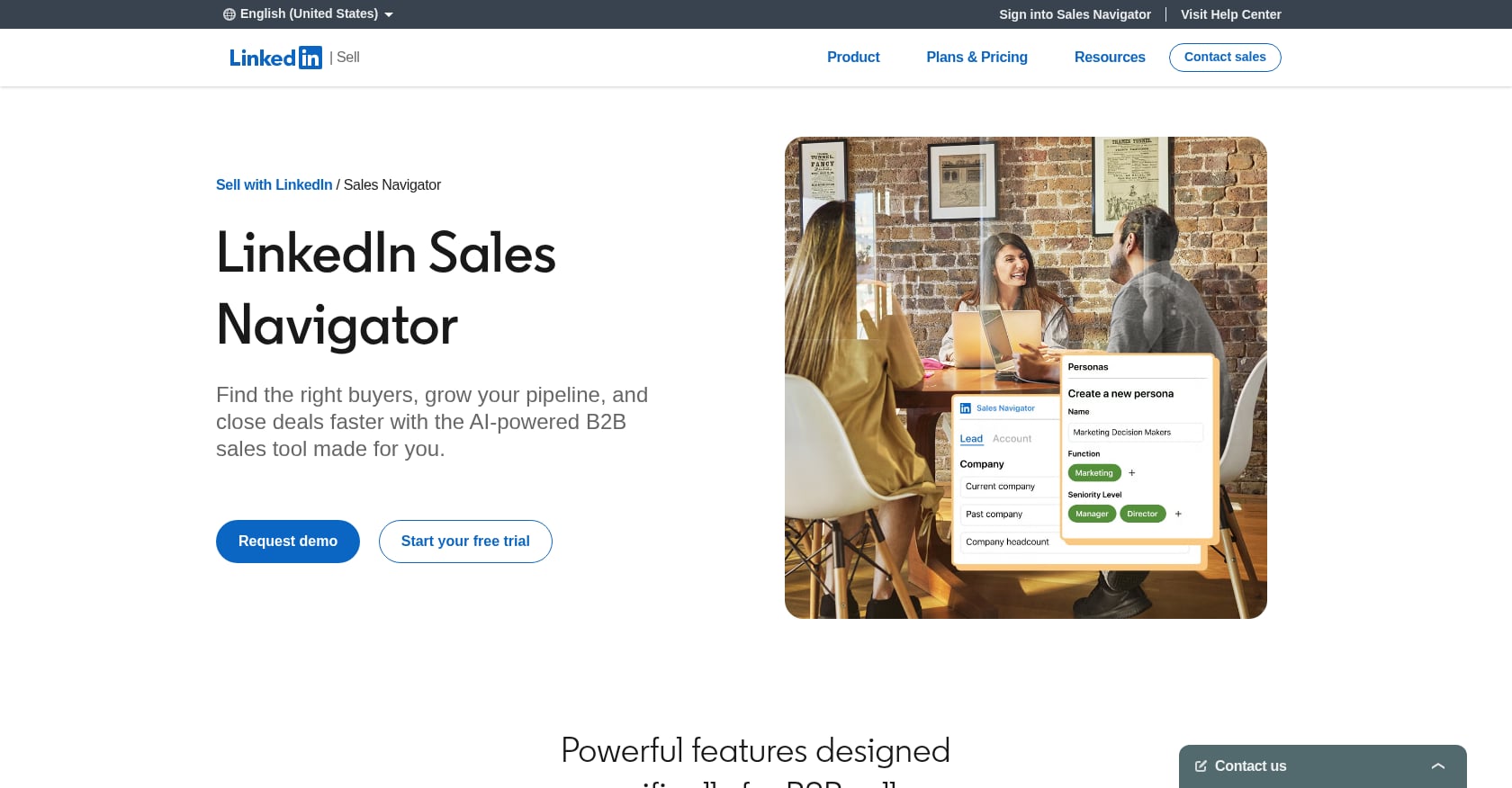
Best for: Teams doing account-based selling where LinkedIn is the primary research and engagement channel.
Pricing: Core costs $119.99/month ($99.99/month billed annually). Advanced runs $179.99/month ($139.99/month annually). Advanced Plus is roughly $1,600/seat/year with custom pricing.
Key features:
Real-time data pulled directly from LinkedIn’s database (updates when profiles update)
Advanced boolean search filters, saved lead lists, and real-time job change alerts
InMail credits for direct outreach
Account mapping and relationship intelligence on higher tiers
Tradeoffs and limitations:
Sales Navigator gives you zero email addresses and zero phone numbers. You’ll need a separate enrichment tool like Apollo or Clay to get contact data.
InMail response rates are generally low compared to connection-based outreach.
The Core plan at roughly $1,080/year only pays for itself if you’re actively using the advanced filters, saved lists, and alerts at least weekly.
For a complete breakdown of how to maximize this channel, check out our guide on LinkedIn prospecting.
Skip if: Email is your primary outbound channel and you’re not doing account-based research on LinkedIn regularly.
3. Clay
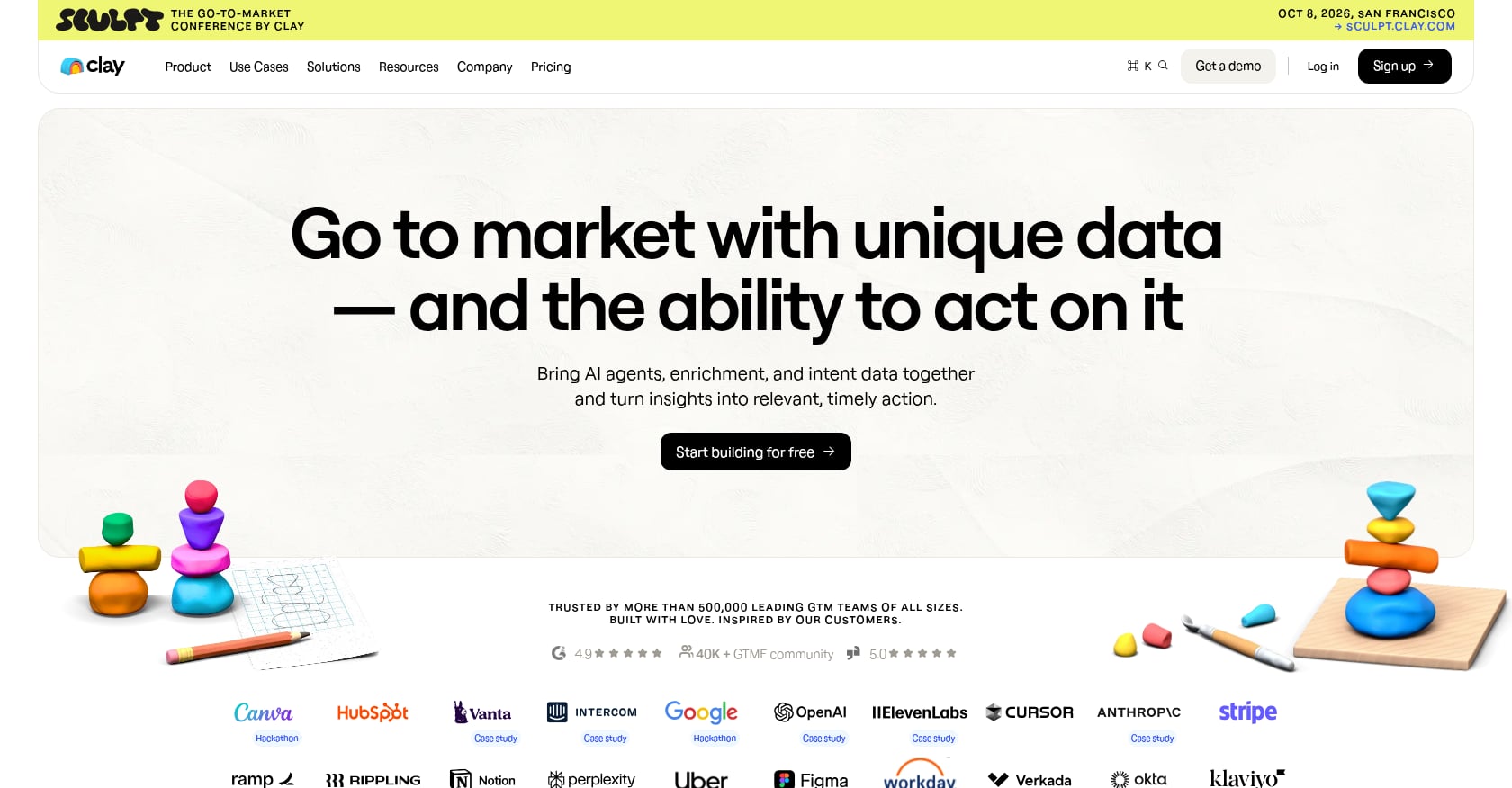
Best for: RevOps teams building custom enrichment waterfalls who want to consolidate multiple data providers into one interface.
Pricing: After Clay’s March 2026 pricing overhaul, the Launch plan costs $185/month and the Growth plan runs $495/month.
Key features:
One interface and one credit pool with access to dozens of enrichment providers
Waterfall enrichment (automatically falls back to secondary providers when the first one misses)
AI-powered research agents for custom data points
Deep integration with CRMs and outbound tools
Tradeoffs and limitations:
Clay’s advertised pricing tells only 40-60% of the total cost story. The $185-$800 monthly subscription becomes $449-$1,200+ once you factor in failed lookup waste and credit consumption.
Clay does not send cold emails. It doesn’t warm up mailboxes, manage sender reputation, or handle deliverability monitoring. You still need a separate sending tool.
According to multiple G2 and Reddit reviews, Clay takes several weeks to fully master. Teams typically spend 20-40 hours building their first production-ready enrichment workflow.
User perspective: Practitioners on Reddit consistently praise Clay’s power but warn about the learning curve. It’s not a tool you sign up for on Monday and start prospecting with on Tuesday.
Skip if: You just need contact info and don’t have the time or technical appetite to build custom workflows. Apollo or a simpler enrichment tool will serve you better.
Layer 2: Cold Email and Sequencing Tools
This is where outbound execution happens. The tools in this layer handle sending, follow-ups, inbox rotation, and (sometimes) multichannel outreach across email and LinkedIn. Understanding how email sequences work will help you evaluate these tools more critically.
1. Instantly.ai
Best for: Cold email specialists and teams where email is the primary (or only) outreach channel.
Pricing: Starts at $37.60/month on the annual Growth plan. Scales up to $358/month on the Light Speed tier. But the pricing is modular: Outreach, Instantly Credits, and CRM are three separate subscriptions.
Key features:
Unlimited email accounts and warmup on all plans
Volume-based pricing instead of per-seat (a 20-person team and a 5-person team can run on the same tier)
Built-in lead database (via credits)
A/B testing and analytics dashboard
Tradeoffs and limitations:
Most SDR teams spend $200-400/month after adding credits, lead database access, and CRM functionality. The base price of $37 is just the starting point; real costs run 3-4x the sticker price.
No built-in dialer or meaningful LinkedIn automation. If you want multichannel, you need additional tools.
Building a complete stack around Instantly adds 3-5 additional tools, each with their own billing, logins, and integration headaches.
User perspective: Instantly’s G2 rating sits around 4.8/5, and practitioners consistently say the price-to-volume ratio is unbeatable for pure cold email. The complaints center on the modular pricing being confusing and the total cost being much higher than expected.
Skip if: You need LinkedIn automation, phone dialing, or a true all-in-one platform. Instantly does one thing very well, but only one thing.
2. Smartlead
Best for: Cold email agencies managing campaigns across multiple clients.
Pricing: Four plans: Base at $39/month, Pro at $94/month, Unlimited Smart at $174/month (most popular), and Unlimited Prime at $379/month.
Key features:
Unlimited email accounts at no extra cost on all plans
Inbox rotation built in
White-label client portal (Pro and above), where each client gets their own branded login
Unified inbox for managing replies across accounts
Tradeoffs and limitations:
Smartlead is a cold email platform only. LinkedIn automation, profile enrichment, and multichannel sequencing are not available at any price tier.
The Reddit thread currently ranking #1 for “best tools for outbound sales stack” flags Smartlead for “random inbox disconnects, campaigns not saving, and deliverability all over the place.” These are serious operational complaints.
A real outbound operation with Smartlead costs $500-700/month once you add data tools, verification, and domain infrastructure.
User perspective: One G2 reviewer noted: “I use Smartlead for my cold email agency, super easy to setup and launch campaigns. For the price point you just can’t beat it.” The agency use case is clear. For in-house teams, the lack of multichannel capabilities is a real gap.
Skip if: You’re not an agency, or you need anything beyond pure cold email sending.
3. Lemlist
Best for: Small teams (1-5 reps) that want email and LinkedIn outreach in one workflow without managing separate tools.
Pricing: Email Pro at $79/user/month ($63 annual). Multichannel Expert at $109/user/month ($87 annual).
Key features:
Multichannel Expert adds LinkedIn automation (connection requests, messages, profile visits) alongside email
Phone step integration for teams that also cold call
Access to Lemlist’s 450M contact database
Lemwarm (email warming) included with all plans
Tradeoffs and limitations:
Per-seat pricing scales linearly and fast. A 10-person SDR team on Multichannel Expert pays $10,440/year.
Credits expire. One verified Capterra user reported: “We lost credits two months in a row during a campaign pause. No rollover.”
LinkedIn automation on Lemlist is less mature than dedicated LinkedIn platforms. It works, but power users may find it limiting.
User perspective: A verified G2 reviewer put it bluntly: “Great product but the pricing gets out of hand fast once you add users and accounts.” Lemlist is strongest for small teams. Once you’re past 5 reps, the math starts to hurt.
This is also a good moment to consider why multiple sales channels matter and whether your budget supports true multichannel execution.
Skip if: You already have Apollo or ZoomInfo handling prospecting data, or your team is larger than 5 people and cost-sensitive.
Layer 3: CRM and Pipeline Management
1. HubSpot CRM
Best for: Early-stage B2B teams that need pipeline tracking without upfront cost.
Pricing: Free tier available. Paid Sales Hub plans start at $20/seat/month and scale to $150/seat/month depending on the plan.
Key features:
Contact management, pipeline tracking, and basic outreach tools on the free plan
Email tracking, meeting scheduling, and document sharing
Strong integration ecosystem with most outbound tools
Reporting and dashboards on paid tiers
Tradeoffs and limitations:
Free accounts are now capped at 1,000 contacts, 2 users, 1 deal pipeline, 10 custom properties, and 2,000 marketing emails per month. You’ll hit these limits fast.
Meaningful automation, custom reporting, and operational scale require paid plans.
HubSpot’s paid tiers get expensive quickly for larger teams, especially when bundled with Marketing Hub.
Alternatives worth noting: Pipedrive is simpler and cheaper for pure sales pipeline management. Salesforce is the enterprise standard but comes with significant complexity and cost. For most startups and scaling teams assembling outbound sales stack tools, HubSpot’s free tier is the right starting point.
For more on navigating sales funnel challenges, including how CRM choice impacts pipeline visibility, we’ve written a separate guide.
Layer 4: Deliverability and Infrastructure
This is the layer that separates teams that get replies from teams that get flagged as spam. Most outbound sales stack guides skip it entirely. Don’t.
What this layer covers:
Domain authentication: SPF, DKIM, and DMARC records must be configured before sending a single cold email. Without them, inbox providers have no way to verify your sending identity.
Email warming: New domains and mailboxes need 2-4 weeks of gradual warming before handling cold outbound volume. Both Lemlist (via Lemwarm) and Instantly include built-in warming.
Inbox rotation: Spreading sends across multiple mailboxes to protect any single domain’s reputation. Instantly and Smartlead handle this natively.
Bounce monitoring: High bounce rates destroy sender reputation fast. This is why data quality in Layer 1 matters so much. Sending to unverified lists is the fastest way to burn a domain.
Sender reputation management: Ongoing monitoring of deliverability metrics, blacklist status, and inbox placement rates.
Warm-up is non-negotiable for cold outbound. Cold domains get flagged within days. If you’re making common cold email mistakes on the infrastructure side, no amount of clever copywriting will save your campaigns.
The practitioner insight that keeps coming up in forums and community discussions is worth repeating: most teams over-invest in sequencing and under-invest in data quality and deliverability. Fix the foundation before optimizing the messaging.
The Hidden Cost Reality: What Your Stack Actually Costs
Every tool in the outbound sales space advertises an attractive headline price. The real-world cost is consistently 2-4x higher. Here’s how the math works:
Apollo.io: Advertised at $49/user/month. Actual costs often run 2-3x the advertised rate once you factor in credit overages, additional seats, and the add-ons you inevitably need.
Instantly.ai: Advertised at $37/month. Once you add credits, lead database, CRM module, extra domains, and verification tools, real spend runs $200-400/month.
Smartlead: Starts at $39/month. A real outbound operation costs $500-700/month with add-ons, data tools, and infrastructure.
Clay: Advertised at $185/month. Total monthly cost hits $449-$1,200+ once failed lookups and credit consumption are factored in.
When you stack these tools together, a realistic DIY outbound stack costs $500 to $1,500 per month in tool spend alone. And that’s before you account for the time spent managing integrations, troubleshooting deliverability issues, and learning each platform’s quirks.
Real Monthly Cost Breakdown of an Outbound Stack (2026)
| Stack Layer | Tool Example | Advertised Cost | Realistic Monthly Cost |
|---|---|---|---|
| Prospecting | Apollo.io | $49/user | $100–$250 |
| Data Enrichment | Clay | $185 | $450–$1,200 |
| Cold Email | Instantly.ai | $37 | $200–$400 |
| Deliverability | Domains + tools | $10–$20/domain | $100–$300 |
| CRM | HubSpot | Free–$20/user | $0–$150 |
Total realistic stack cost: $500 – $1,500/month
Stack Recommendations by Team Size and Budget
Rather than leaving you to figure out which combination works, here are pre-built stack recommendations with honest total cost estimates.
Solo Founder or Pre-Revenue
Apollo Free (prospecting + basic sequencing) + Instantly Growth (cold email sending and warmup)
Estimated monthly cost: ~$80/month
Tradeoff: Limited data credits, email-only outreach, no CRM beyond spreadsheets or Apollo’s basic tracking.
Early-Stage Team (1-3 People)
Apollo Basic ($49/user) + Instantly Hypergrowth (~$97/month) + HubSpot CRM Free
Estimated monthly cost: ~$250/month for a 2-person team
Tradeoff: Still email-only, credit constraints on Apollo may require rationing, HubSpot free tier caps will approach quickly.
Scaling Team (4-10 People)
Lemlist Multichannel Expert ($87/user/month annual) + Clay Launch ($185/month) + HubSpot Starter ($20/seat/month)
Estimated monthly cost: ~$600-900/month depending on team size
Tradeoff: Complex to manage, multiple billing relationships, Clay’s learning curve adds weeks of ramp time.
The Alternative: Skip the Stack Entirely
After looking at these numbers, many founders reach the same conclusion. The real cost isn’t just the tools. It’s the time spent choosing them, configuring them, integrating them, maintaining them, and troubleshooting them when something breaks. And even after all that work, you still need someone who knows how to write messages that get replies, define the right ICP, and iterate on what’s working.
Apply to work with SalesPipe if you’d rather have a founder-led outbound operator handle the tools, infrastructure, messaging, and execution, so you can focus on closing deals.
Best Outbound Sales Stack by Use Case
Solo Founders (Fastest Setup)
Apollo Free
Instantly Growth
Google Sheets or HubSpot Free
Best for: Testing outbound quickly without complexity
Weakness: Limited scaling and weak data depth
SaaS Startups (1–10 Reps)
Apollo (data)
Instantly or Smartlead (sending)
HubSpot Starter (CRM)
Basic domain + warmup setup
Best for: Early predictable pipeline
Weakness: Tool sprawl starts here
Agencies / High Volume Teams
Clay (enrichment engine)
Smartlead (multi-client sending)
HubSpot or Pipedrive CRM
Best for: Managing multiple outbound pipelines
Weakness: Requires ops expertise
Enterprise / ABM Teams
Sales Navigator
Clay (advanced enrichment)
Salesforce / HubSpot Enterprise
Dedicated deliverability stack
Best for: Account-based outbound at scale
Weakness: High cost and complexity
When Tools Aren’t Enough: The Case for an Outbound Operator
Here’s the uncomfortable truth about the best tools for an outbound sales stack: tools are necessary but not sufficient.
You can assemble a $1,000/month stack with perfect tool choices and still generate zero pipeline if the messaging is generic, the ICP is wrong, or the deliverability infrastructure is misconfigured. The tools don’t write compelling cold emails. They don’t know which accounts to prioritize. They don’t adjust strategy when reply rates drop.
This is the expertise gap. And it’s why many B2B teams, especially those without a dedicated RevOps function, end up spending months and thousands of dollars before generating consistent outbound pipeline.
The alternative is working with an outbound operator who brings the tools, the infrastructure, the messaging strategy, and the execution together. Instead of managing 5-7 subscriptions, debugging integration issues, and figuring out email warming schedules, you get someone who has already solved these problems hundreds of times.
SalesPipe operates as a founder-led outbound service. Clients work directly with the founder on ICP definition, messaging, outbound infrastructure, cold email, LinkedIn outreach, deliverability, and qualified meeting generation. It’s the opposite of the typical agency model where strategy is sold by a senior person and executed by juniors.
For teams that want pipeline without the tool sprawl, SalesPipe’s approach replaces the need to assemble and maintain a DIY stack.