10 Best Email Warmup Tools in 2026: Tested & Priced
We tested 10 email warmup tools in 2026—pricing, pros/cons, and deliverability. Smartlead & TrulyInbox lead; Instantly is best value. See picks.

TL;DR
Email warmup tools range from $0.60 to $96 per inbox per month, but the outcome difference between them is surprisingly small. Smartlead and TrulyInbox deliver the best deliverability scores in independent tests, while Instantly offers the best value at scale with unlimited warmup bundled into every plan. The bigger truth most listicles won’t tell you: warmup is infrastructure, not strategy. Authentication, list quality, and messaging matter more than which warmup tool you pick.
What Are Email Warmup Tools? (Quick Answer)
Email warmup tools are software platforms that automatically simulate real email engagement (opens, replies, and inbox interactions) to gradually build a new domain or inbox’s sender reputation with providers like Gmail and Outlook.
In simple terms: they help your emails stop going to spam when you start cold outreach.
Most warmup tools work by connecting your inbox to a network of real or simulated mailboxes that exchange emails over 21–28 days, steadily increasing daily volume to mimic natural sending behavior.
However, warmup alone does not guarantee inbox placement—authentication (SPF, DKIM, DMARC), list quality, and email content have a larger long-term impact on deliverability.
The 160x Price Spread Nobody Talks About
Here’s a number that should stop you mid-scroll: email warmup tools charge anywhere from $0.60 to $96 per inbox per month to do fundamentally the same job. That’s a 160x spread for a commodity function, sending fake engagement signals to build sender reputation.
Email warmup is the process of gradually increasing sending volume from a new or cold inbox while generating positive engagement signals (opens, replies, spam folder rescues) that tell Gmail and Outlook your domain is trustworthy. Without it, up to 90% of emails from new domains land directly in spam. With a proper warmup cycle, that number typically improves to 85-90% inbox placement within 3-4 weeks.
Every cold email operator needs warmup. But the tool you choose matters less than most vendors want you to believe. What actually moves the needle is proper DNS authentication, clean lists, and strong cold email structure that doesn’t trigger spam filters.
This guide breaks down the 10 most popular email warmup tools with real pricing at scale, independent test data, and an honest take on what these tools can and can’t do.
Get outbound infrastructure handled for you →
How We Evaluated These Email Warmup Tools
To ensure fair comparison, each tool was evaluated based on:
Deliverability Performance
Inbox placement rates across Gmail, Outlook, and business domains in controlled tests.
Warmup Network Quality
Size and authenticity of inbox networks used for sending and receiving warmup emails.
Pricing Efficiency
Cost per inbox at scale (1, 10, 25, and 50 inbox scenarios).
Feature Depth
Monitoring, analytics, blacklist alerts, and deliverability diagnostics.
Scalability
How well the tool performs when managing multiple inboxes or agency-level sending volume.
At-a-Glance Comparison Table
| Tool | Starting Price | Pricing Model | Network Size | Best For | Deliverability Score |
|---|---|---|---|---|---|
| Instantly | $37/mo (unlimited) | Bundled flat rate | 1M+ accounts | All-in-one outreach | ~90%+ |
| Smartlead | $39/mo (unlimited) | Bundled flat rate | Peer-to-peer | Multi-inbox scale | 97% |
| MailReach | $25/inbox/mo | Per-inbox | 30,000+ | Standalone monitoring | 93% |
| Warmbox | $15/inbox/mo | Per-inbox | N/A | Budget single inbox | ~85% |
| Warmup Inbox | $15/inbox/mo | Per-inbox | 30,000+ | Beginners, ESP targeting | ~93% |
| Lemwarm | $29/inbox/mo (free w/ Lemlist) | Per-inbox | 20,000+ | Lemlist users | ~90% |
| Warmy.io | $49/inbox/mo | Per-inbox | AI-generated | Solo diagnostics | 87% |
| TrulyInbox | $22/mo annual (unlimited) | Flat rate | 40,000+ | Agencies, high volume | 97% |
| Folderly | $96/inbox/mo | Per-inbox | N/A | Enterprise auditing | 95% |
| Mailwarm | $79/inbox/mo | Per-inbox | N/A | Not recommended | 55% |
What Email Warmup Tools Actually Do (and Don’t Do)
Before spending a dollar on warmup, you need to understand what these tools are really doing under the hood, and where their limits are.
The Mechanics
Every email warmup tool follows the same basic playbook. It connects to your inbox, sends emails to a network of other inboxes (the “warmup pool”), and those receiving inboxes open your messages, reply to them, and pull them out of spam folders if needed. This creates a pattern of positive engagement that email providers interpret as a signal of legitimacy.
The typical warmup cycle takes 21-28 days. During that time, daily send volume ramps gradually, usually starting at 5-10 emails per day and building to 30-50. The engagement patterns (open rates, reply rates, time-to-open) are designed to mimic real human behavior.
Authentication Comes First
No warmup tool can compensate for missing DNS authentication. Setting up SPF, DKIM, and DMARC records properly increases inbox placement by 40-60% on its own. If your cold outreach guide doesn’t start with authentication, it’s starting in the wrong place.
Google’s 2024 bulk sender requirements made this non-negotiable. DMARC is now required, one-click unsubscribe must be present, and spam complaint rates must stay below 0.3%. These rules still ripple through every cold email system running today.
The “Does Warmup Even Work?” Debate
This is the elephant in the room that most tool comparison articles ignore entirely. Practitioners on Reddit’s r/coldemail community openly question whether warmup tools deliver meaningful results, or whether Gmail and Microsoft have already learned to see through artificial engagement patterns.
Independent tests tell a mixed story. EmailChaser and Postbox Services both published split tests showing warmup either failed to improve reply rates or actively hurt them. Sean B2B’s July 2024 split test found similar results. On the other side, tools like Smartlead consistently test at 97% inbox placement in controlled benchmarks.
The most interesting data point comes from an unlikely source. Folderly’s own founder, who runs a deliverability company that sells warmup, has stated on video that warmup tools don’t work in the way most people expect.
The honest answer is that warmup helps, but it’s one layer in a system. It builds baseline reputation for new domains. It doesn’t fix bad lists, weak messaging, or missing authentication. Teams that treat warmup as a silver bullet will be disappointed regardless of which tool they choose.
How to Choose an Email Warmup Tool
Before picking a specific tool, answer three questions.
Per-Inbox vs. Flat Rate vs. Bundled
The pricing model matters more than the sticker price, especially at scale. Per-inbox pricing (MailReach, Warmup Inbox, Warmy.io) charges for each mailbox you connect. This works fine for 1-3 inboxes but punishes growth. Flat-rate pricing (TrulyInbox) gives unlimited inboxes for one price. Bundled pricing (Instantly, Smartlead) includes warmup as a feature inside a broader outreach platform.
Scale Economics: What You’ll Actually Pay
This is the table no other article shows. Here’s what each tool costs at different inbox counts:
| Tool | 1 Inbox | 10 Inboxes | 25 Inboxes | 50 Inboxes |
|---|---|---|---|---|
| Instantly | $37 | $37 | $37 | $37 |
| Smartlead | $39 | $39 | $39 | $39 |
| TrulyInbox | $29 | $29 | $29 | $29 |
| MailReach | $25 | $150+ | $375+ | $750+ |
| Warmbox | $15 | $99+ | $99+ | $200+ |
| Warmup Inbox | $15 | $190 | $475 | $950 |
| Lemwarm | $29 | $290 | $725 | $1,450 |
| Warmy.io | $49 | $490 | $1,007+ | $2,000+ |
| Folderly | $96 | $960 | $2,400 | $4,800 |
| Mailwarm | $79 | $790 | $1,975 | $3,950 |
The pattern is clear. At 50 inboxes, Instantly costs $37 total ($0.74/inbox) while Folderly costs $4,800 ($96/inbox). The deliverability difference between them does not justify a 130x price gap.
Standalone vs. Bundled
If you already have a sending platform you love, a standalone warmup tool (MailReach, Warmbox, TrulyInbox) makes sense. If you’re building your outbound stack from scratch, a bundled platform (Instantly, Smartlead) saves money and reduces tool sprawl. Understanding what an email sequence is and how it fits into your workflow will help clarify which approach works better.
Which Email Warmup Tool Should You Choose?
If you’re sending 1–3 inboxes:
Choose Warmbox, MailReach, or Warmup Inbox for simplicity and low entry cost.
If you’re running 5–25 inboxes:
Choose Instantly or Smartlead for bundled warmup + sending + scaling efficiency.
If you need deliverability diagnostics:
Choose MailReach or Folderly for inbox placement tracking and spam analysis.
If you run an agency or high-volume outbound:
Choose TrulyInbox for flat-rate unlimited inbox warmup or Smartlead for automation at scale.
The 10 Best Email Warmup Tools
1. Instantly
Best for: All-in-one outreach teams that want warmup bundled with sending.
Pricing:
Growth Outreach: $37/mo (unlimited accounts, unlimited warmup)
Hypergrowth Outreach: $97/mo
Light Speed Outreach: $358/mo
All plans include unlimited email accounts and unlimited warmup
Key features:
Over 1,000,000 real email accounts in its deliverability network, constantly growing
Slow ramp capability with customizable open/reply rates and read emulation
Native integrations with HubSpot and Salesforce, plus Zapier and API access
Works out to roughly $0.60 per inbox if you run 50 mailboxes on the Growth plan
Tradeoffs:
Deliverability diagnostics are thin compared to standalone monitoring tools
No inbox-vs-spam visibility or mailbox-level health checks for warmup specifically
The modular pricing model means a fully featured Instantly stack costs more than the base plan suggests
Some users report that network inboxes have gotten flagged themselves, creating a “warming up with cold inboxes” problem
User perspective: Users on MailReach’s comparison page (not exactly a friendly source) acknowledged that Instantly’s warmup worked well as a built-in feature. On Reddit, practitioners consistently recommend Instantly as the default choice for teams running multi-inbox outbound, largely because the unlimited warmup removes the per-inbox cost anxiety.
2. Smartlead
Best for: Multi-inbox outbound teams that prioritize deliverability scores.
Pricing:
Starts at $39/mo with warmup included
Unlimited email warmups on all plans
Key features:
Peer-to-peer warmup network built from real mailboxes across its customer base
Smart-Adjust technology changes warmup pace when reply activity drops, preventing over-sending
Built-in SPF, DMARC, CNAME, and blacklist checks
Tested at 97% inbox placement, the highest score among tools with independent benchmarks
Tradeoffs:
No reputation trend monitoring or inbox placement tracking over time
No automated alerts when deliverability degrades
Less feature-rich on the campaign side compared to Instantly
Limited analytics depth for warmup performance specifically
User perspective: Smartlead has a strong reputation in cold email communities. Among tools tested independently, Smartlead at 97% inbox placement is the clear outlier, sending more emails to inbox than any other tool in the test. Practitioners on Reddit frequently cite it alongside Instantly as the go-to bundled option.
3. MailReach
Best for: Standalone warmup with real deliverability monitoring and inbox placement tests.
Pricing:
$25 per mailbox per month (volume discounts available)
Up to 50 inboxes for $150/mo on higher tiers
Key features:
Peer-to-peer network of over 30,000 Gmail and Outlook inboxes
One of the few tools that shows where your emails actually land with real inbox placement tests across Gmail, Outlook, and business domains
Slack and email alerts when deliverability drops
API access for agency-scale management
Tradeoffs:
Not a sending platform; won’t help you find leads, write sequences, or schedule campaigns
Per-inbox pricing adds up at scale (50 inboxes = $750+/mo on per-inbox rates)
Smaller network than Instantly’s 1M+ pool
User perspective: One practitioner shared: “We’ve connected 2 of our accounts that were previously warming up through Instantly and Smartlead and after 30 days these 2 accounts had the highest deliverability out of all accounts we’ve had.” The monitoring capabilities are the real differentiator here, not the warmup itself.
4. Warmbox
Best for: Budget-conscious solo operators testing whether warmup matters for their setup.
Pricing:
Solo: $15/mo (1 inbox)
Pro: $49/mo (5 inboxes)
Growth: $99/mo (25 inboxes)
Free plan available for 1 inbox with limited daily sends
Key features:
Cheapest standalone warmup tool with a functional free tier
AI-driven engagement simulation
Simple setup with minimal configuration required
Tradeoffs:
Deliverability results are middling: independent tests showed Warmbox landing 21 emails in spam, more than double Smartlead’s count
No deep analytics or per-provider visibility
The free plan is useful for evaluation but insufficient for production use
Limited reporting compared to MailReach or Warmy.io
User perspective: Warmbox gets the job done at its price point, but it won’t win any benchmarks. For someone testing whether warmup helps before committing budget, the free plan is a reasonable starting point. Just don’t expect premium results at budget prices.
5. Warmup Inbox
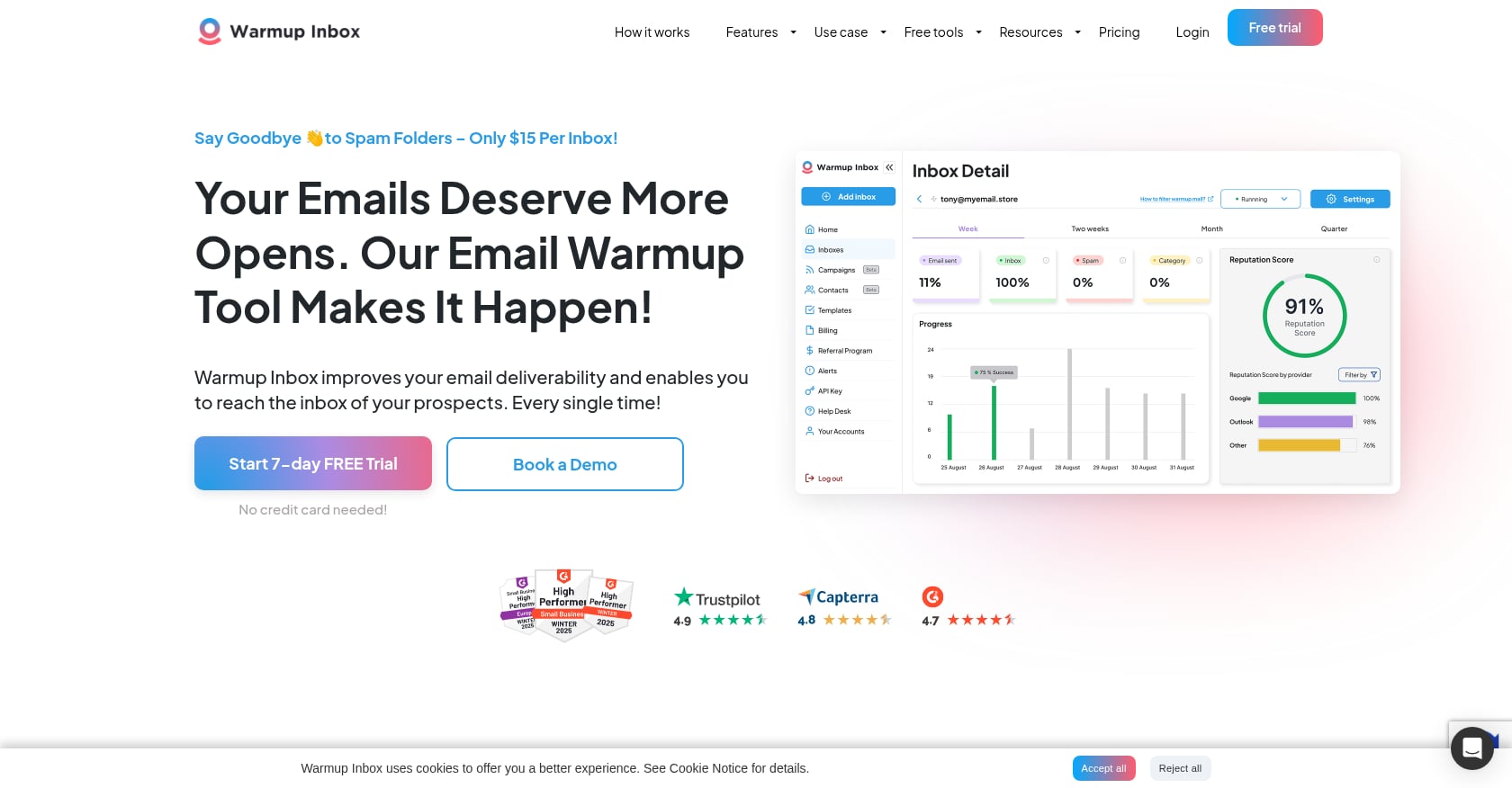
Best for: Beginners who want ESP-specific targeting and language options.
Pricing:
Starts at $15/inbox/mo
Basic plan: $19/mo per inbox
10 inboxes: $190/mo
50 inboxes: $950/mo
Key features:
Network of 30,000+ active inboxes
Language-specific warmup (English, French, Polish, Spanish, German)
ESP targeting lets you choose which providers to focus warmup traffic against
Built-in cold email sequence tool
Reputation score tracked over time
Tradeoffs:
Per-inbox pricing makes this one of the most expensive options at scale
Multiple users on Trustpilot, G2, and Reddit report that aggressive default settings caused Google Workspace or Outlook accounts to be suspended, sometimes permanently
Default warmup volume needs to be manually reduced for new domains
User perspective: Users consistently praise the customer service and ease of use. But the suspension reports are a red flag. If you use this tool, immediately lower the default daily send limits before connecting a new inbox. Several Reddit users learned this the hard way.
6. Lemwarm
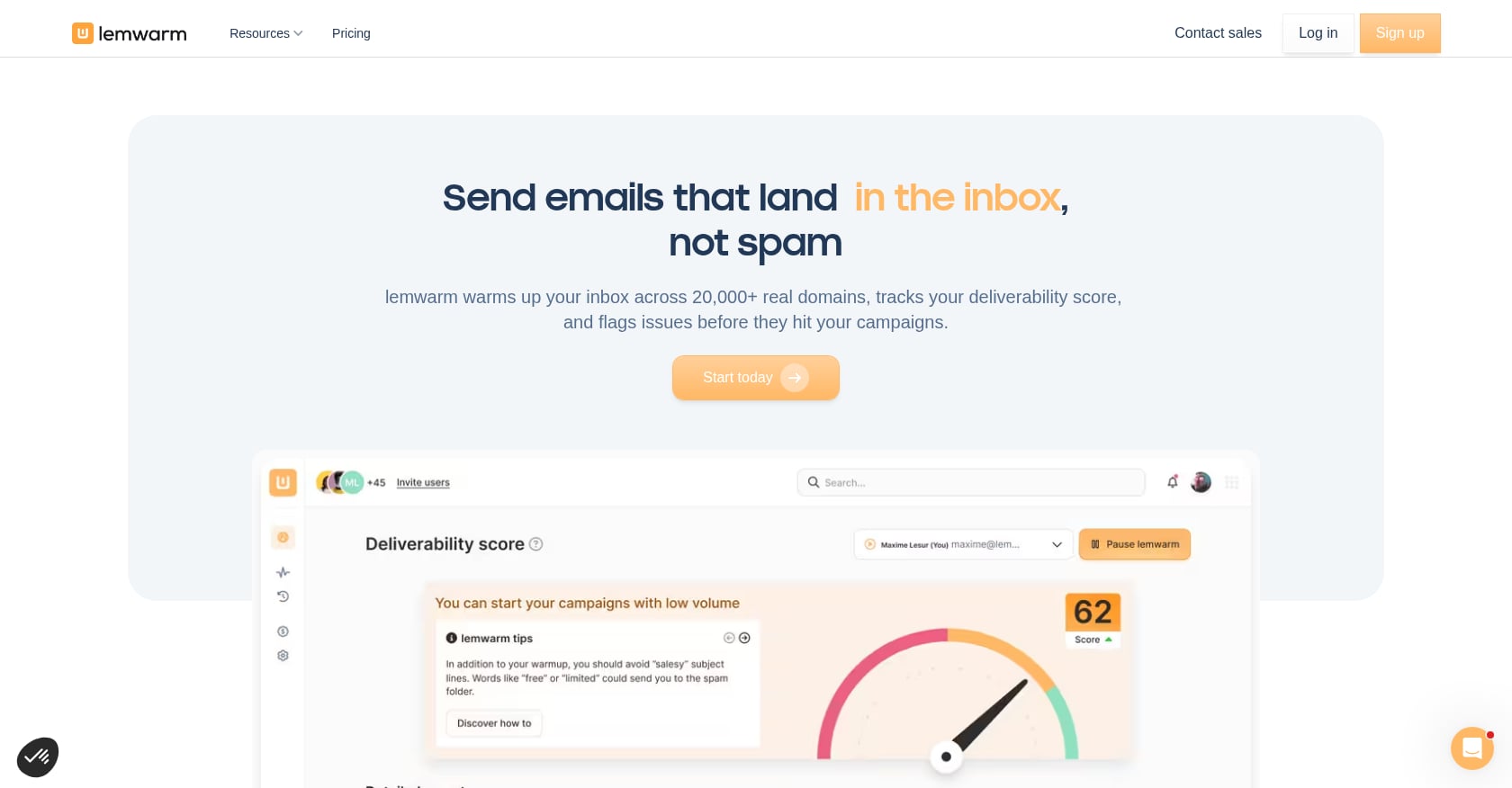
Best for: Teams already using Lemlist who get warmup free with their plan.
Pricing:
$29/mo per inbox (Essential Plan) as standalone
Free with Lemlist Email Pro tier and above
14-day free trial through Lemlist
Key features:
Seamless integration with Lemlist outreach campaigns
Connects directly to your inbox and gradually increases activity
Natural email interactions designed to build sender reputation within the Lemlist ecosystem
Tradeoffs:
Overpriced as a standalone product ($29/inbox vs. $15/inbox alternatives)
Exists primarily to retain Lemlist customers
Limited value outside the Lemlist ecosystem
No standout monitoring or diagnostic features
User perspective: The honest read: Lemwarm exists to keep you inside Lemlist. If you’re already paying for Lemlist Email Pro, using the included warmup is a no-brainer. If you’re not a Lemlist customer, there’s no reason to pay a premium for what other tools do for less.
7. Warmy.io
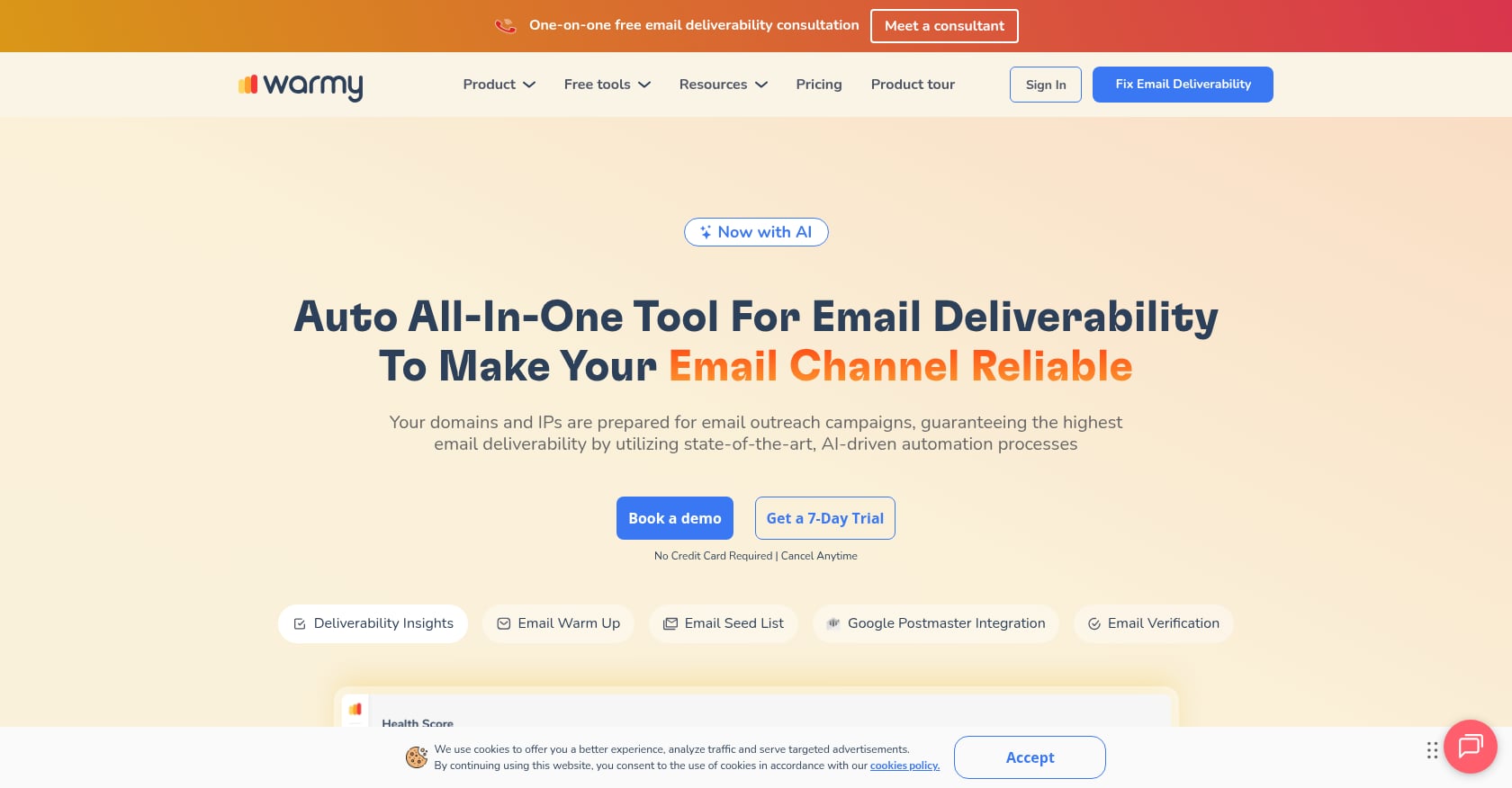
Best for: Solo founders who want AI-powered diagnostics and don’t need more than 2-3 inboxes.
Pricing:
Starts at $49/mo per mailbox (Starter plan)
Custom topics, multi-language support, and template uploads locked behind Premium ($189/mo)
12 accounts cost roughly $1,007/mo
19 inboxes push past $2,000/mo
7-day free trial, no credit card required
Key features:
AI-generated replies that simulate real conversations
Real-time email health grade covering inbox placement, blacklist status, and SPF/DKIM/DMARC records
Full reputation visibility across Gmail, Outlook, and other providers
30+ language support
Deliverability consultant available on higher tiers
Tradeoffs:
Becomes one of the most expensive standalone warmup tools the moment you pass 3 inboxes
At least one Reddit user reported 0% Workspace delivery after three weeks, with mismatched sender identities
The diagnostics are excellent but the warmup itself tested at only 87% inbox placement
Premium features gatekept behind expensive tiers
User perspective: Warmy.io holds a 4.8 on G2 with 498 reviews and a 4.9 on Capterra. The review scores are strong, but the pricing math is brutal at scale. If diagnostics are what you need, the 7-day free trial gives you enough data to audit your current setup before committing.
8. TrulyInbox
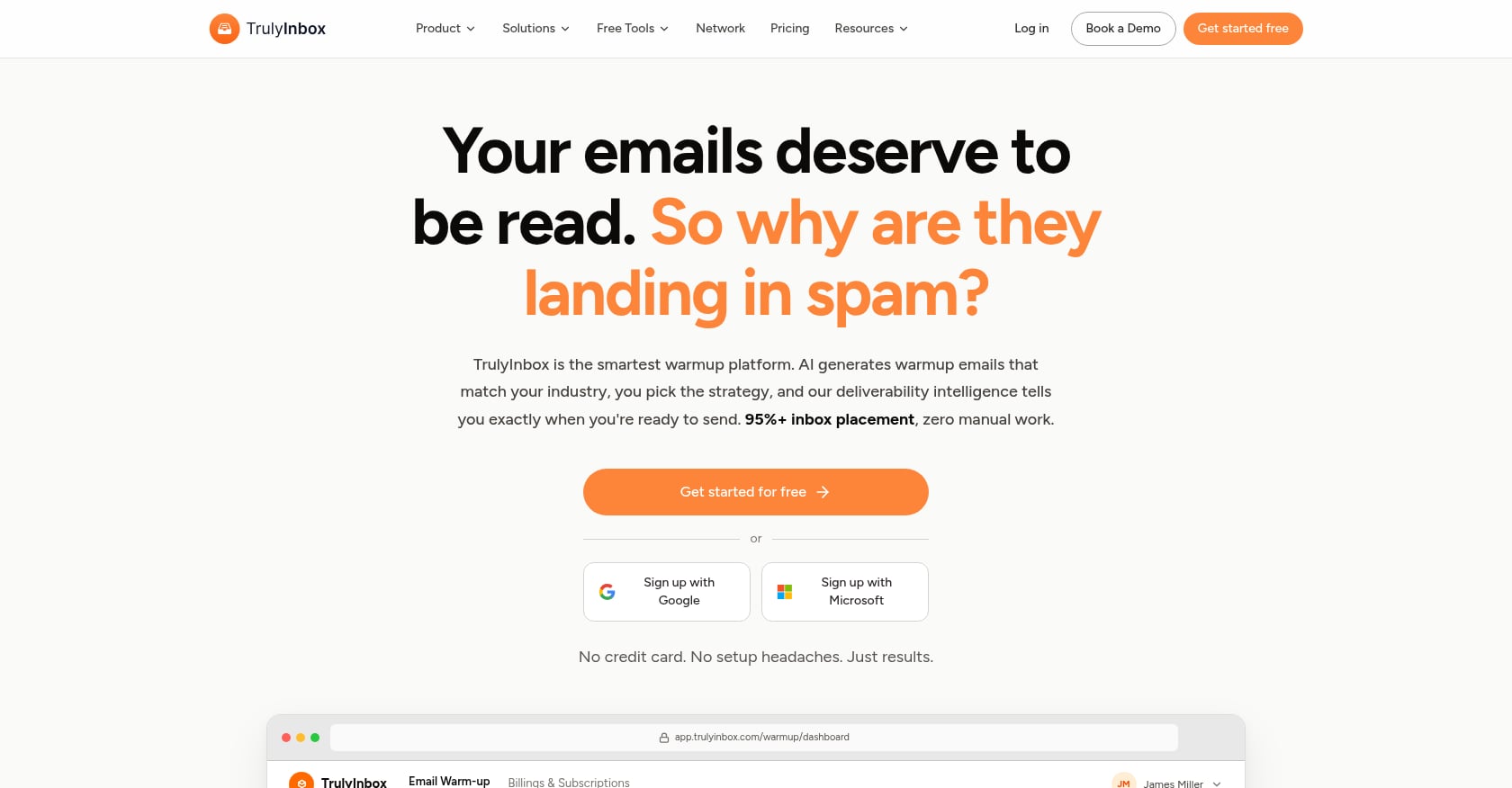
Best for: Agencies running 5+ inboxes who want flat-rate pricing without per-inbox anxiety.
Pricing:
$29/mo for unlimited mailboxes (flat rate)
$22/mo on annual billing
Free-forever plan available
All paid plans include unlimited email accounts
Key features:
The only major warmup tool that lets you connect and warm up unlimited mailboxes on every paid plan
ESP-specific targeting
AI-powered content generation for warmup emails
Most users see inbox placement rates above 97% within 4 weeks
Tradeoffs:
Newer entrant with less review history than established players
Fewer integrations than Instantly or Smartlead
Not a full sending platform
Smaller community and fewer third-party benchmarks available
User perspective: One user review documented recovery from spam to inbox across 4 email accounts within 30 days. TrulyInbox is building a reputation as the budget-friendly high-volume option, and the math supports it. At 50 inboxes for $29/mo total, nothing else comes close on pure value.
If you’re building outbound infrastructure and want to avoid the complexity of assembling multiple tools, SalesPipe handles the full stack from warmup through campaign execution.
9. Folderly
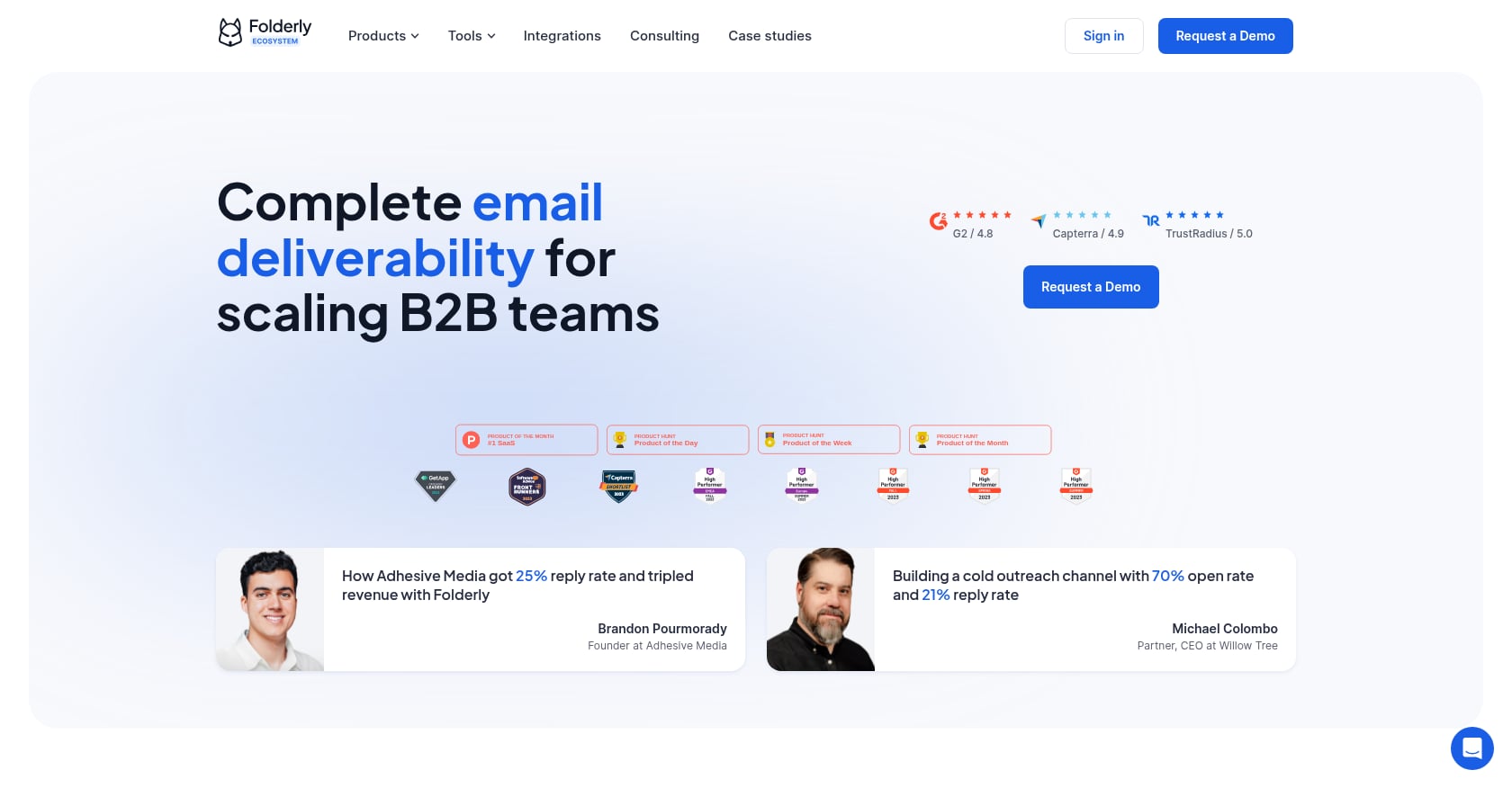
Best for: Enterprise teams with dedicated deliverability budgets who need audit-grade diagnostics.
Pricing:
$96/inbox/mo
50 inboxes: $4,800/mo before add-ons
$79/mo Inbox Insights add-on available
Key features:
More of a deliverability diagnostics suite than a pure warmup tool
Identifies specific spam triggers, content issues, and authentication gaps
Can distinguish between promotions tab and spam placement
95% deliverability in testing
Hands-on deliverability consulting available
Tradeoffs:
Enterprise pricing for a function that commodity tools handle at 1/10th the cost
The premium is paid for dashboards and hand-holding, not measurably better deliverability
No bundled sending capabilities
Overkill for teams running fewer than 20 inboxes
User perspective: Folderly’s positioning as a diagnostic suite rather than a warmup tool is honest, and that honesty is arguably its best feature. If your organization has a deliverability problem it can’t diagnose, Folderly’s audit capabilities justify the price. For routine warmup, it’s wildly overpriced.
10. Mailwarm
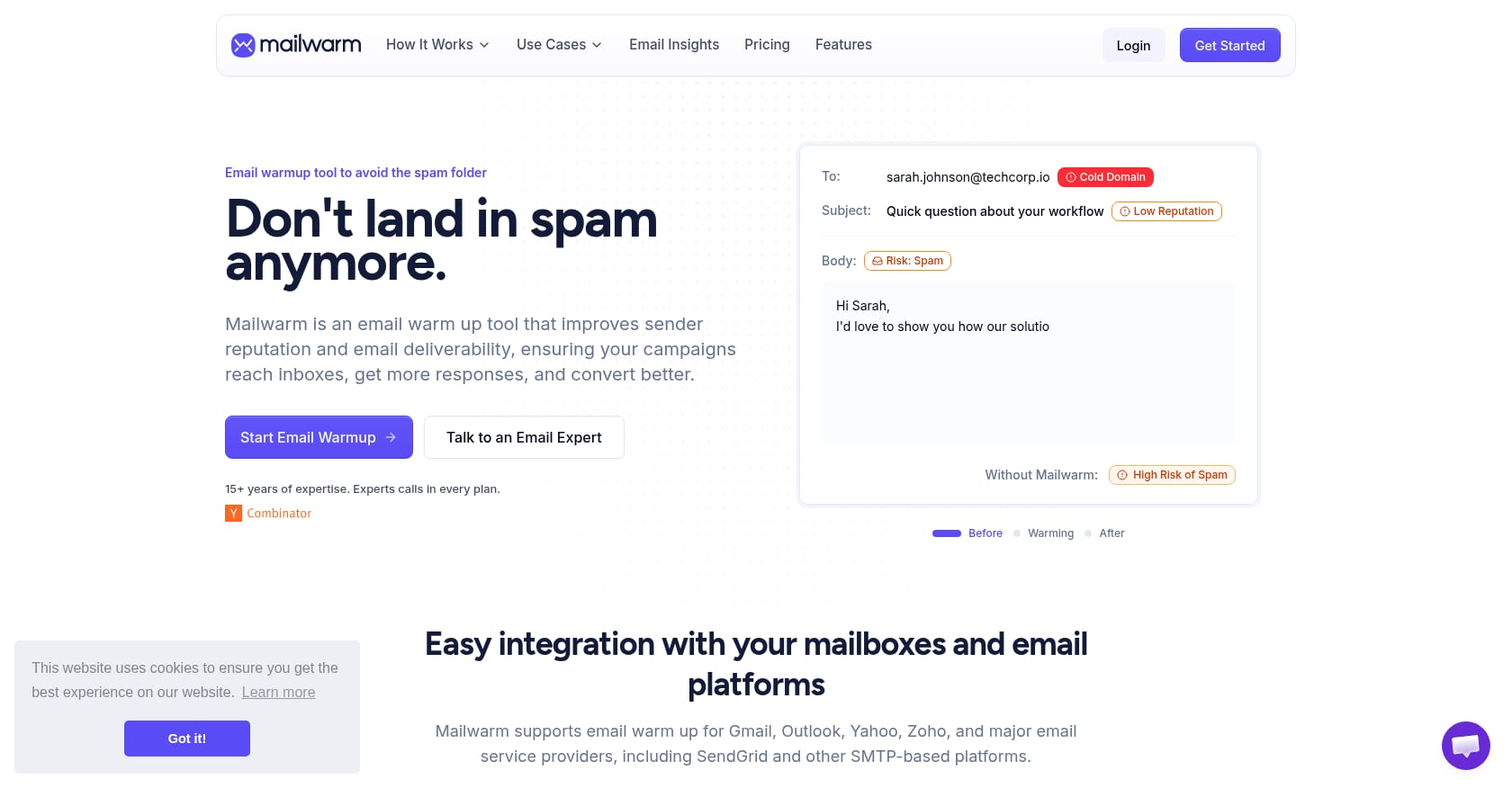
Best for: Honestly hard to recommend given the data.
Pricing:
Starter: $79/mo
Growth: $189/mo
Scale: $549/mo
No free trial
Key features:
Customizable warmup schedules
Supports Gmail, Outlook, Yahoo, Zoho, and SendGrid via SMTP
Tradeoffs:
Tested at 55% inbox placement, well below the 85% industry baseline without any warmup at all
100% of messages undelivered on Outlook in testing
At $79/mo, it delivered the same 93% rate that MailReach achieves at $19.50/inbox (a 4x price gap for identical results)
Only 14 reviews on G2, most from 2022
No free trial to verify results before paying
User perspective: One G2 reviewer wrote: “There’s not much to like about this mail warm. There is no support to be found, their system doesn’t work, and my mailbox is littered with garbage emails.” The testing data is damning. A warmup tool that performs worse than sending with no warmup at all isn’t worth any price, let alone $79/mo.
What Warmup Tools Can’t Fix
Even the best email warmup tool in the world can’t save a broken outbound system. Here’s what actually kills deliverability, regardless of your warmup setup.
Bad Lists
A bounce rate above 2-3% signals to inbox providers that you’re sending to unverified lists. Gmail’s spam filters prioritize engagement patterns, and bounces are a massive negative signal. A bad list burns reputation faster than warmup can build it. Every list should be verified before a single email sends.
Weak Messaging
Spam filters analyze content. Spammy subject lines, excessive links, aggressive sales language, and poor formatting all trigger filtering regardless of how well you warmed up the inbox. If you’re not sure where your messaging falls, reviewing common cold emailing mistakes is a good starting point.
Missing Authentication
SPF, DKIM, and DMARC are not optional. Authentication alone increases inbox placement by 40-60%. No warmup tool compensates for missing DNS records. Set these up before you connect a single warmup tool.
Stopping Warmup After Launch
Domain reputation degrades 12-15% monthly if warmup stops. Teams that turn off warmup after their initial ramp see deliverability erosion within 6-8 weeks. Run warmup in parallel with campaigns indefinitely.
Beyond Tools: Building a Complete Outbound Deliverability System
Warmup is one layer in a five-layer stack:
Domain and DNS setup (SPF, DKIM, DMARC, domain age, secondary domains)
Warmup (the tools covered in this article)
List verification (bounce rate control, ICP targeting)
Messaging quality ( how to write cold emails that actually get replies)
Ongoing monitoring (inbox placement tests, reputation tracking, alert systems)
Most teams focus on layer 2 and ignore the rest. That’s why practitioners on Reddit keep posting about poor deliverability despite running warmup tools.
Don’t overpay for warmup. It’s infrastructure, not a competitive advantage. The advantage comes from who you email and what you say, not how you warmed up the inbox.
For teams that don’t want to assemble and manage this full stack themselves, working with an outbound execution partner who handles infrastructure, warmup, deliverability, and campaign strategy as a single service eliminates the complexity. That’s particularly relevant for founders and small teams who need pipeline without building an internal outbound ops function.
Talk to SalesPipe about full-stack outbound →
Bottom Line
Email warmup tools are useful for establishing initial sender reputation, but they are not the primary factor in deliverability success.
The biggest improvements come from:
Proper authentication setup
Clean, verified lead lists
Non-spammy email content
Consistent sending behavior
Warmup tools should be treated as infrastructure—not strategy.